Monthly goals for large orders
Choose "this month" so the counter accumulates, with a chart showing sales for every day of the month.
In electronics stores a single order can be large, and sale days make a big difference to the month. Nabd shows monthly or daily sales on the office screen and tells the team exactly how much is left to the next bonus.
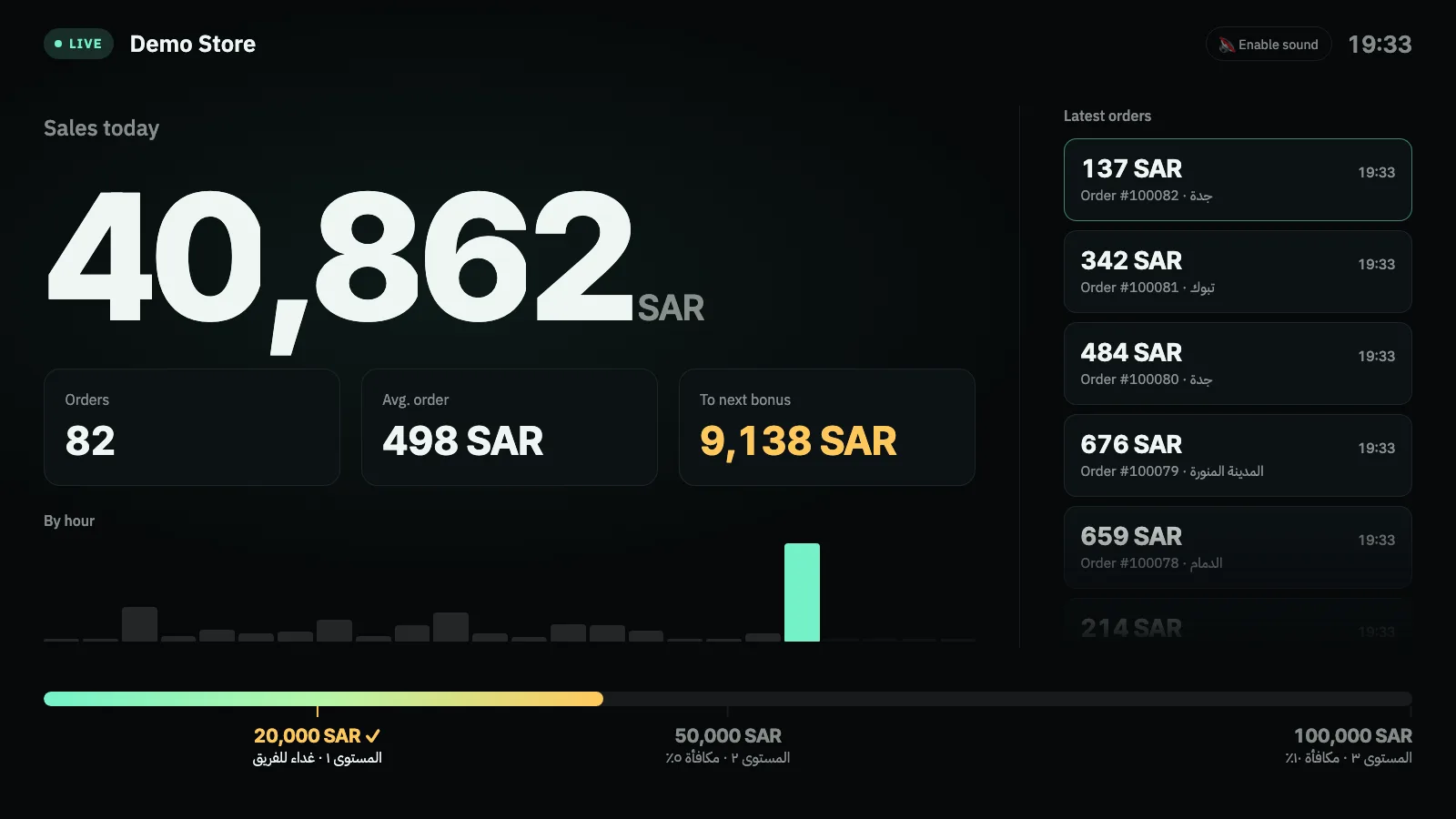
Choose "this month" so the counter accumulates, with a chart showing sales for every day of the month.
One clear number that tells everyone what they still need, which motivates more than the total alone.
Returned devices are removed automatically, and you can recount the whole month with one click in the dashboard.
Illustrative numbers: choose the amounts that fit your store.
With monthly goals, set four or five close levels instead of three far apart, so the team celebrates more than once a month.
One click in the Salla App Store takes you straight to your store's Nabd dashboard.
Choose the counting period (today or this month), then the amount and reward for each level.
Copy your private screen link and open it on any TV or monitor with a browser. Double-click for full screen.
Yes. The number is the Salla order total, including shipping and VAT.
Up to 8, each with an amount and a name you choose.
Try Nabd free for 7 days. After that you pay 9 SAR once, the launch price instead of 19 SAR, with no monthly subscription. Payment goes through Salla.
Any smart TV, or a screen connected to a device with a web browser. It also works on phones and laptops. There's nothing to install.
When you remove Nabd from your store, your store's connection data and settings are deleted from Nabd, and all screens stop.
Try it free for 7 days, then pay just 9 SAR once instead of 19 SAR. Setup takes minutes.